Transaction Reports
In this section, you can view and download detailed summaries of your payments.
Required Permissions
- You must have a SuperAdmin role or roles with permissions to download reports.
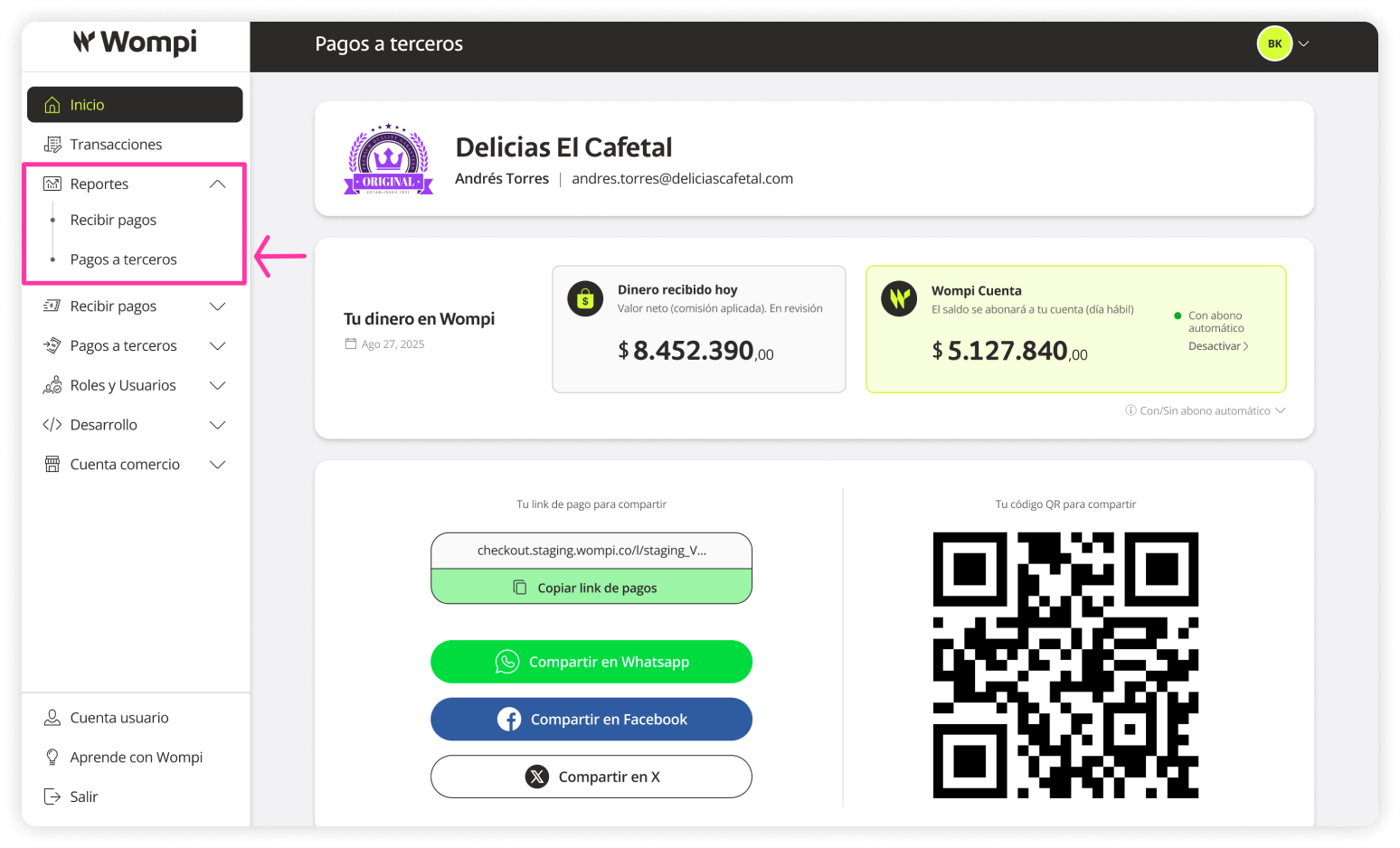
 Once you're in the Wompi dashboard, expand the Reports button from the left-hand menu and select the Third-party payments option.
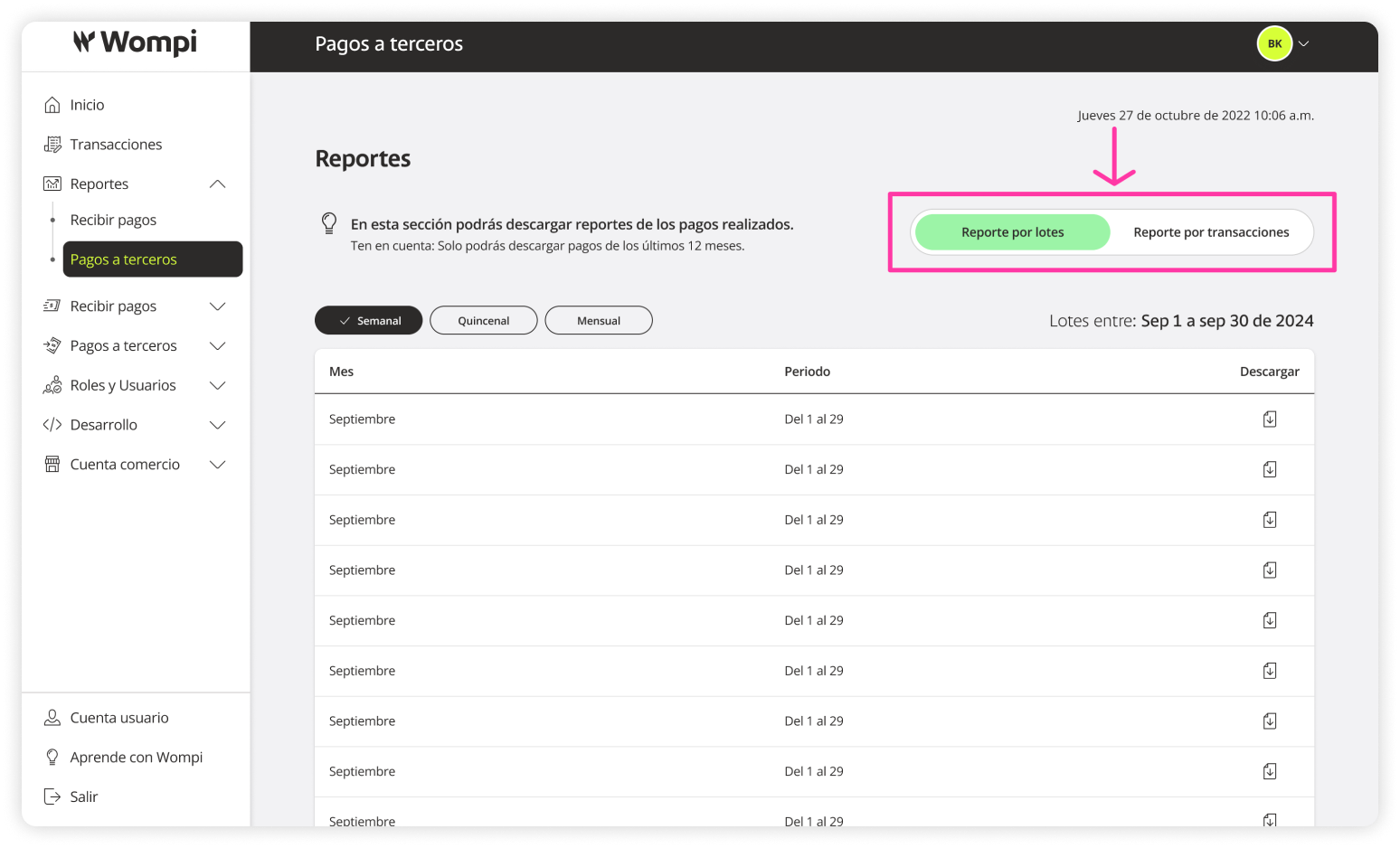
 In this Reports section, you can view and download detailed summaries of your payments, either by batches or individual transactions.
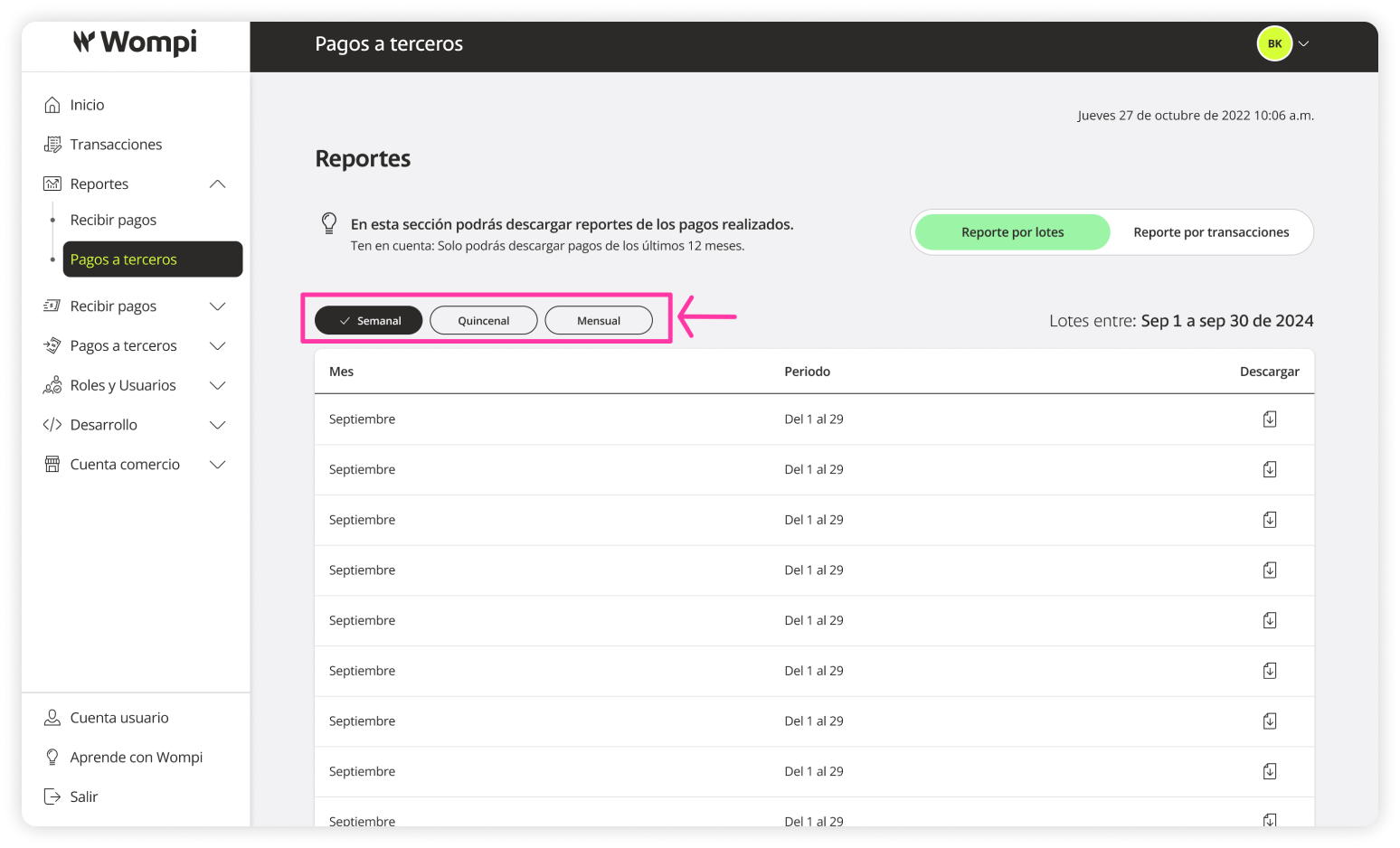
 You can download your batch or transaction reports with the following frequencies:
- Weekly
- Biweekly
- Monthly
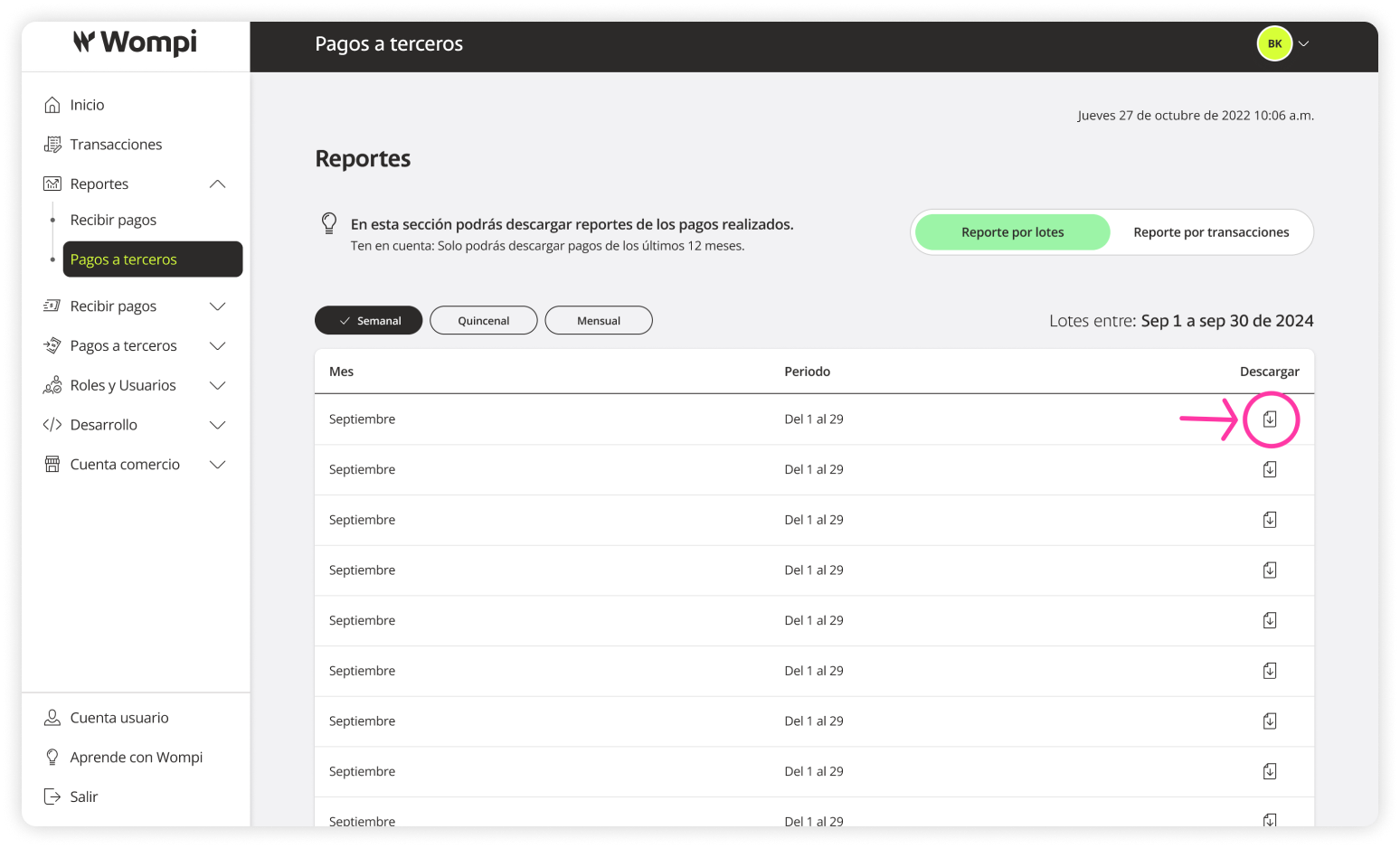
 You can download any report using the Download button.
You can only download reports from the last 12 months.