Transaction history
This section provides a summary of all the payments that have been made.
Required permissions
- You must have the SuperAdmin role or any role with permission to view transactions.
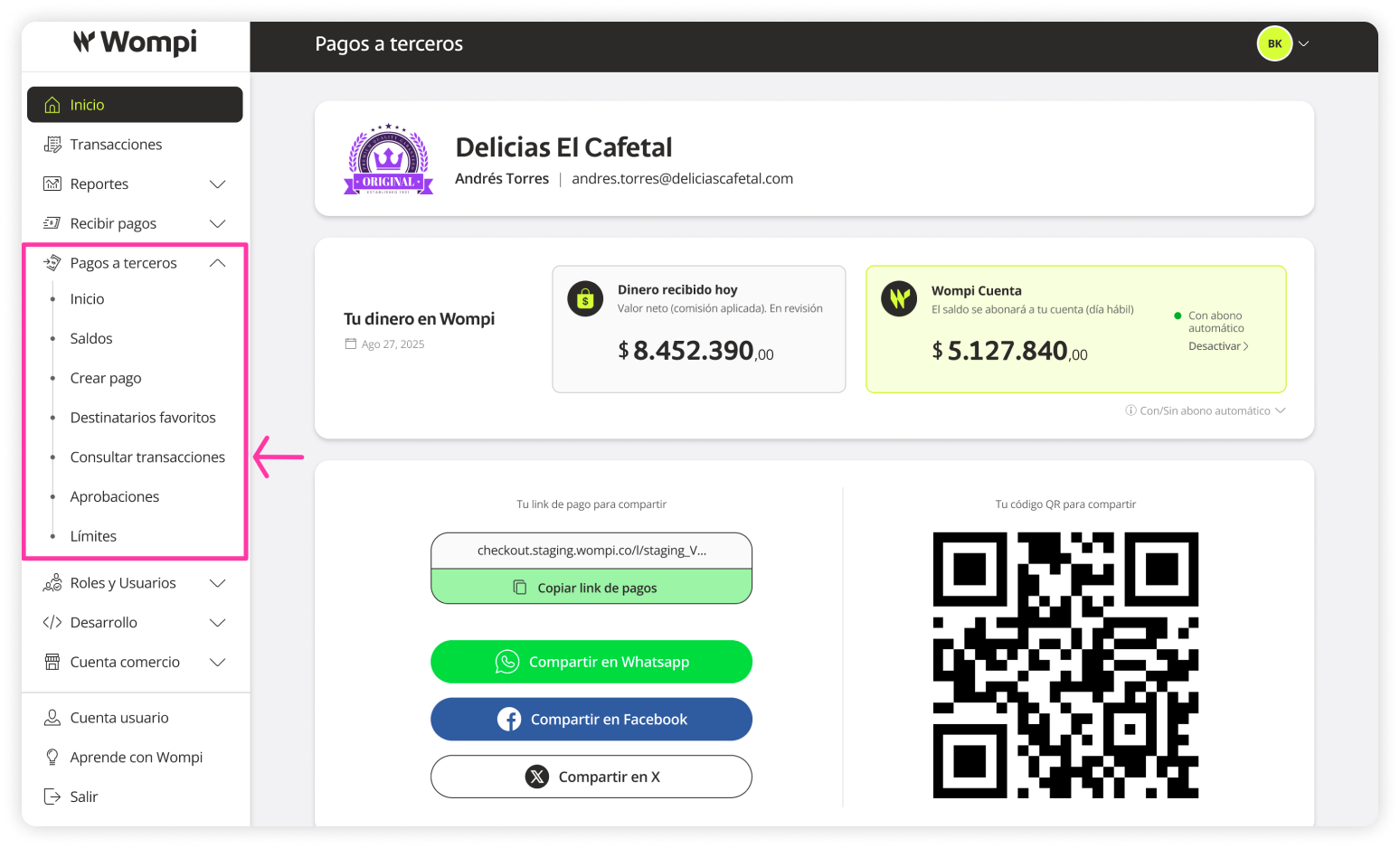
 Once inside the Wompi dashboard, expand the Payouts menu on the left and select View transactions.
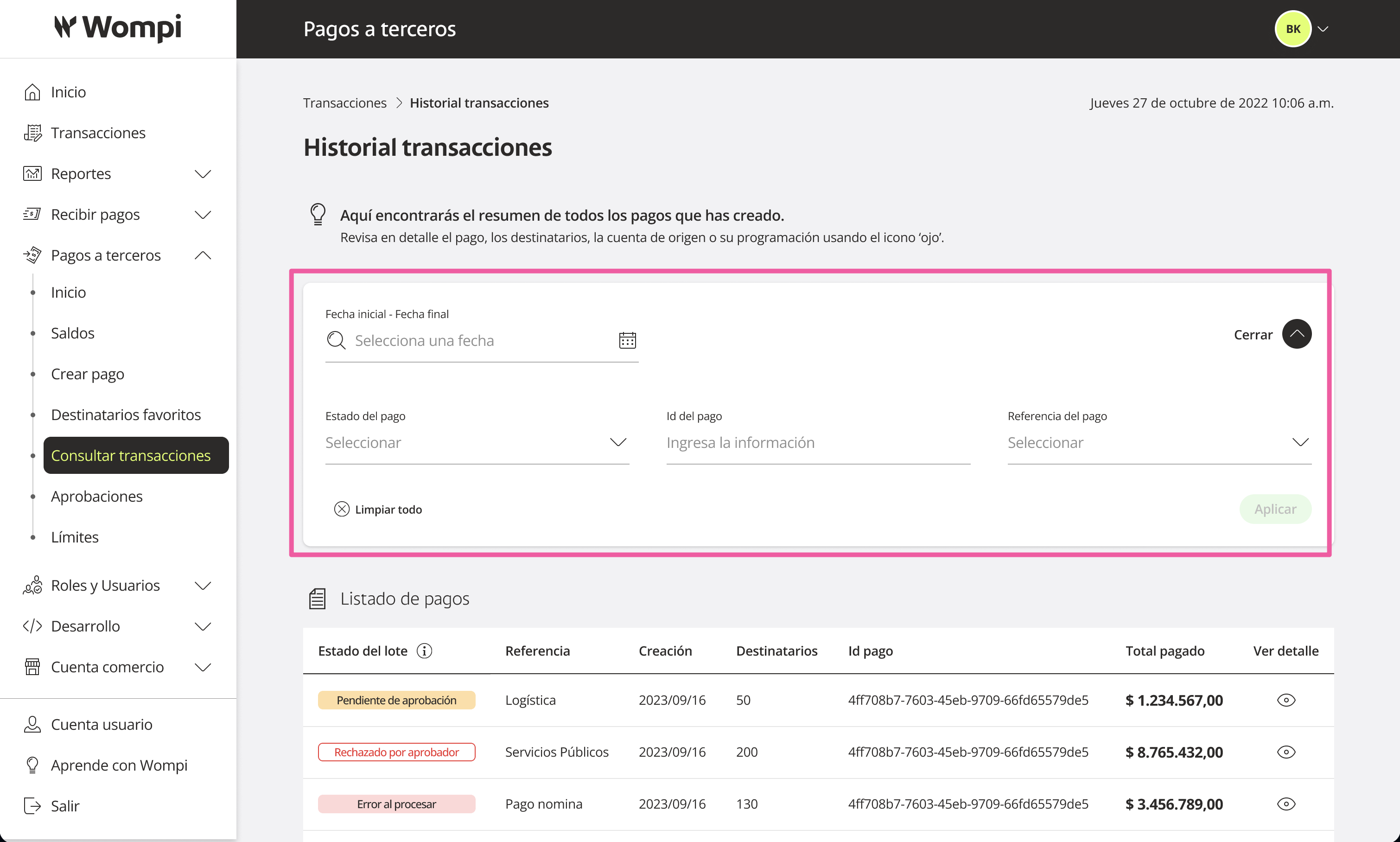
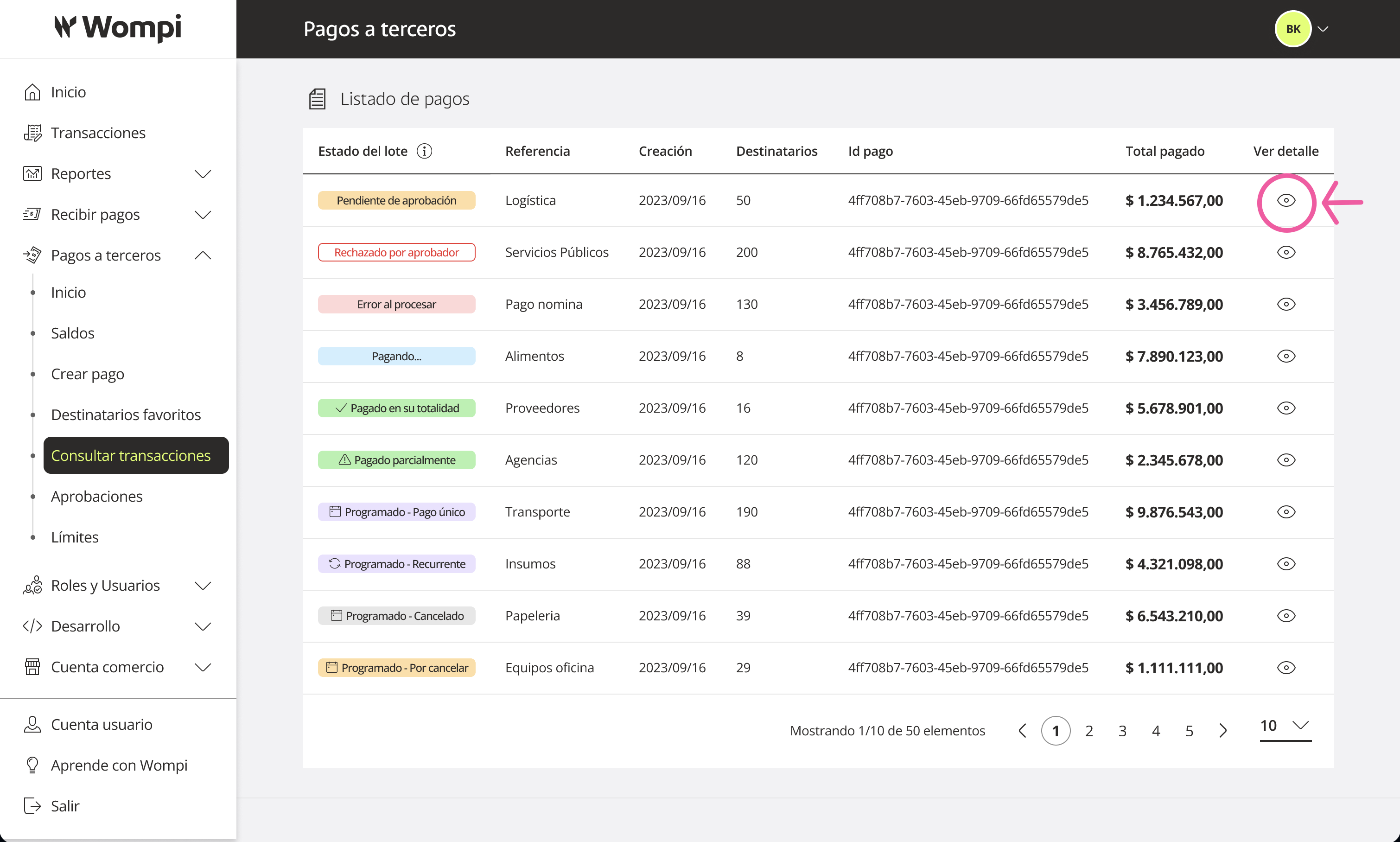
 Once in this section, you can apply various filters to organize the list of payments:
- Start/end date
- Payment status
- Payment ID
- Payment reference name
 In the table, you'll see the following payment information:
- Status
- Payment reference name
- Creation date
- Total recipients
- Payment ID
- Total amount
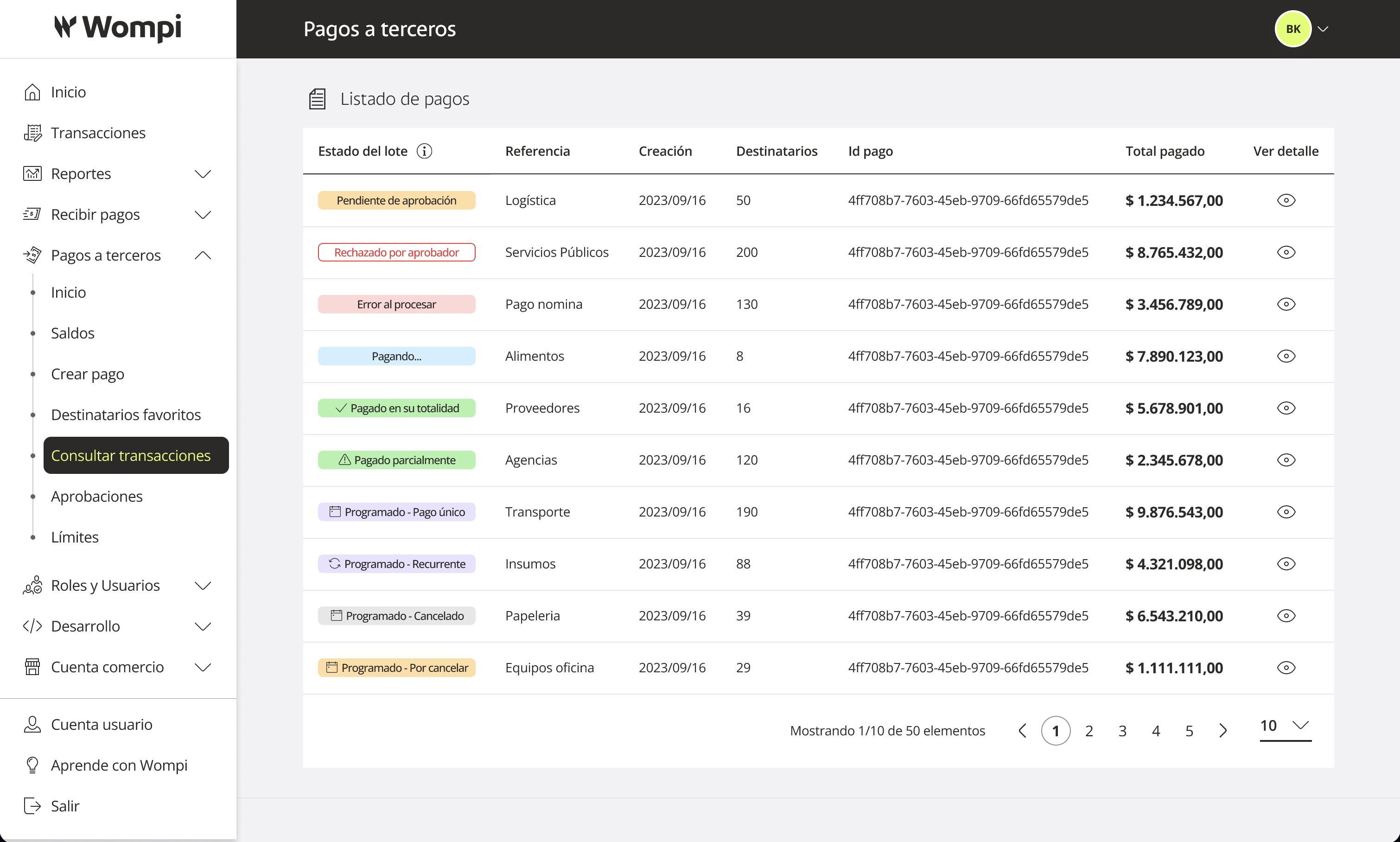
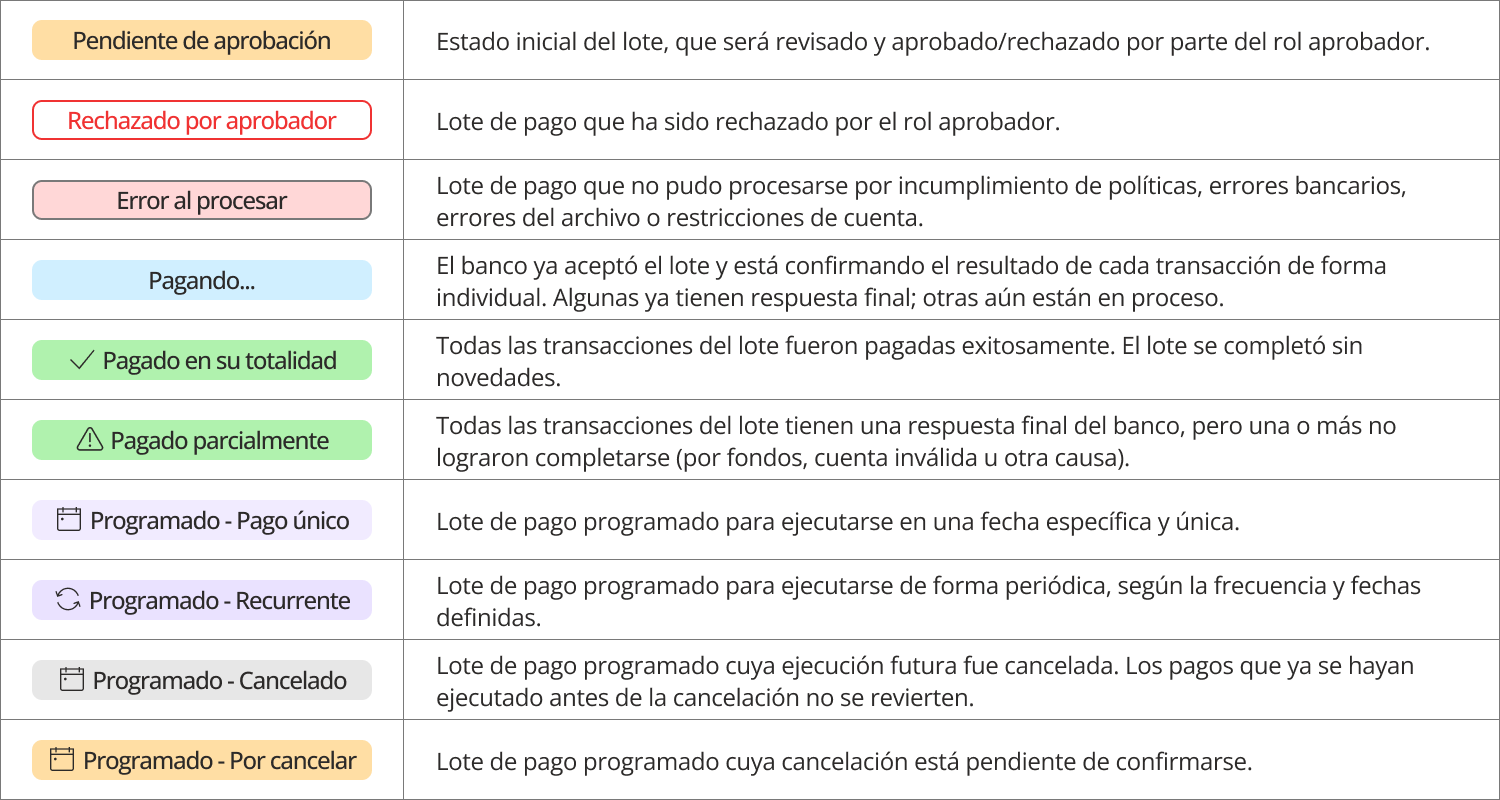
Payment batch statuses:

You can use the ‘eye’ icon to view more details of a payment.
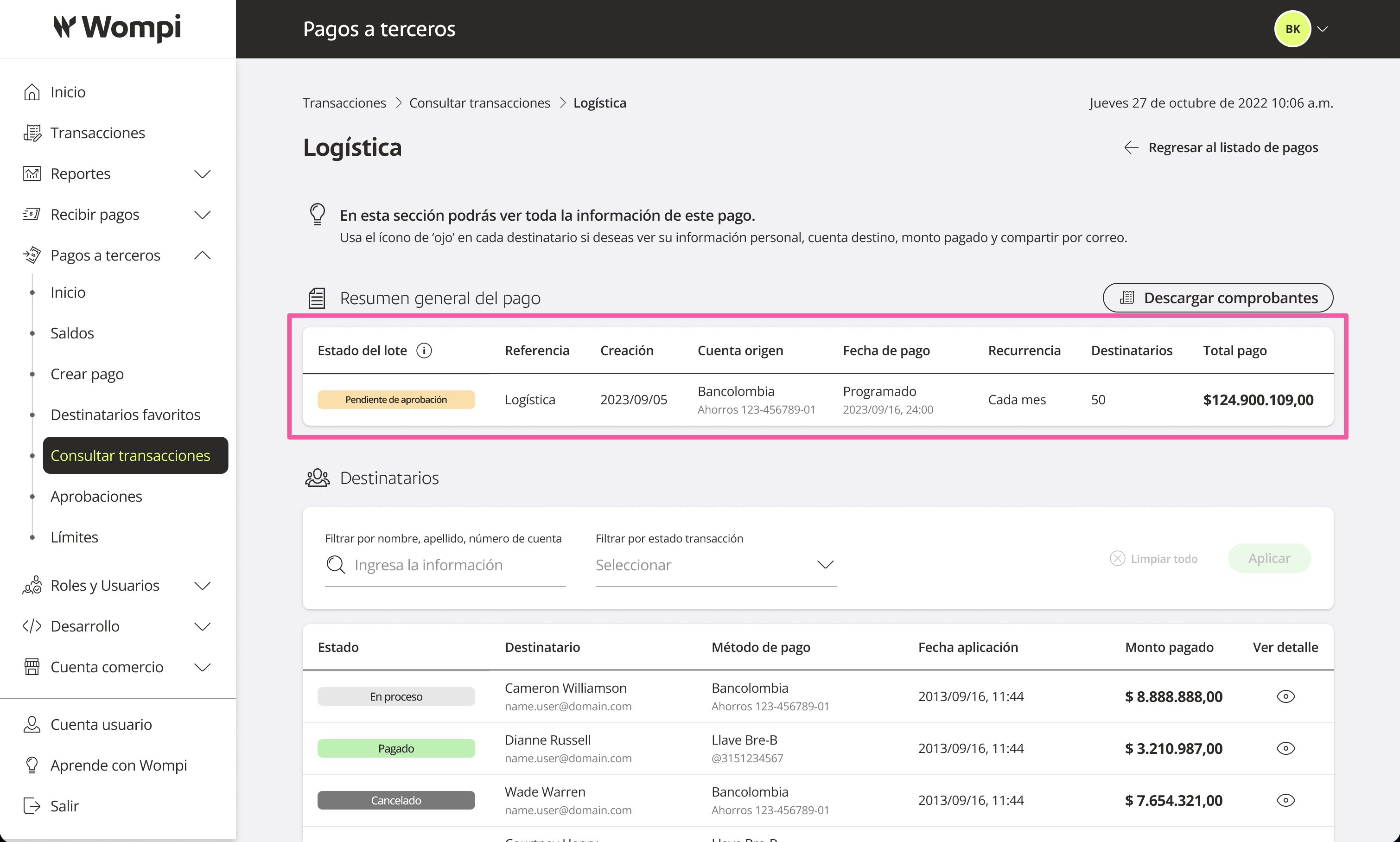
 When accessing a payment’s detail view, you'll see the overall summary again: Status, Payment reference name, Creation date, Total recipients, Payment ID, and Total amount.
You will also see the list of recipients (transactions) with the following information:
- Status
- Recipient name
- Bank account number used for payout
- Payment application date
- Amount paid
Recipient statuses (transactions):

You can use the ‘eye’ icon to view more details of the recipient.
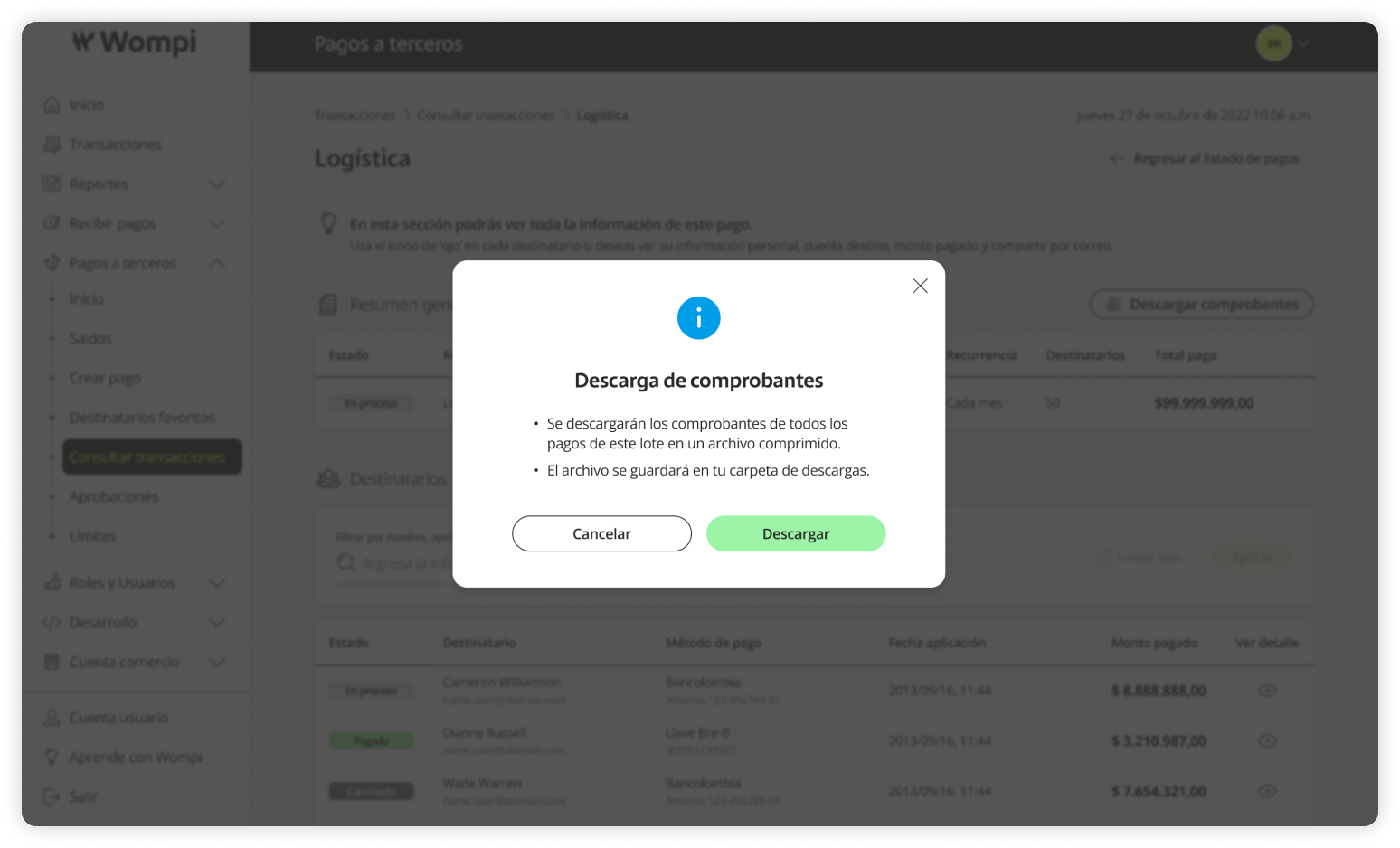
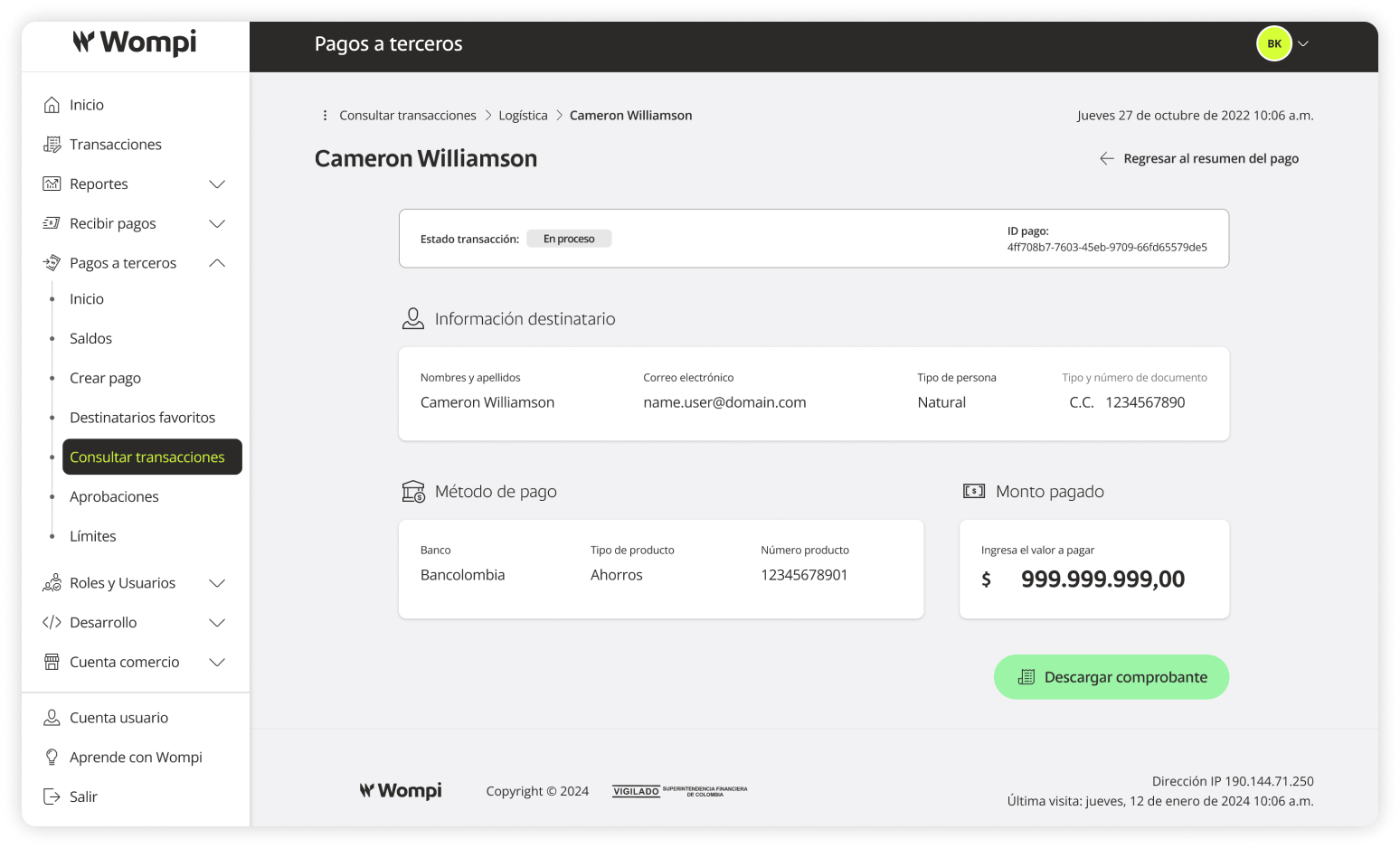
 When viewing a recipient’s detail, you will find:
- Transaction status
- Payment ID
- Recipient information: Full name, Email address, Person type, Document type and number
- Destination account: Bank, account type, account number
- Amount paid
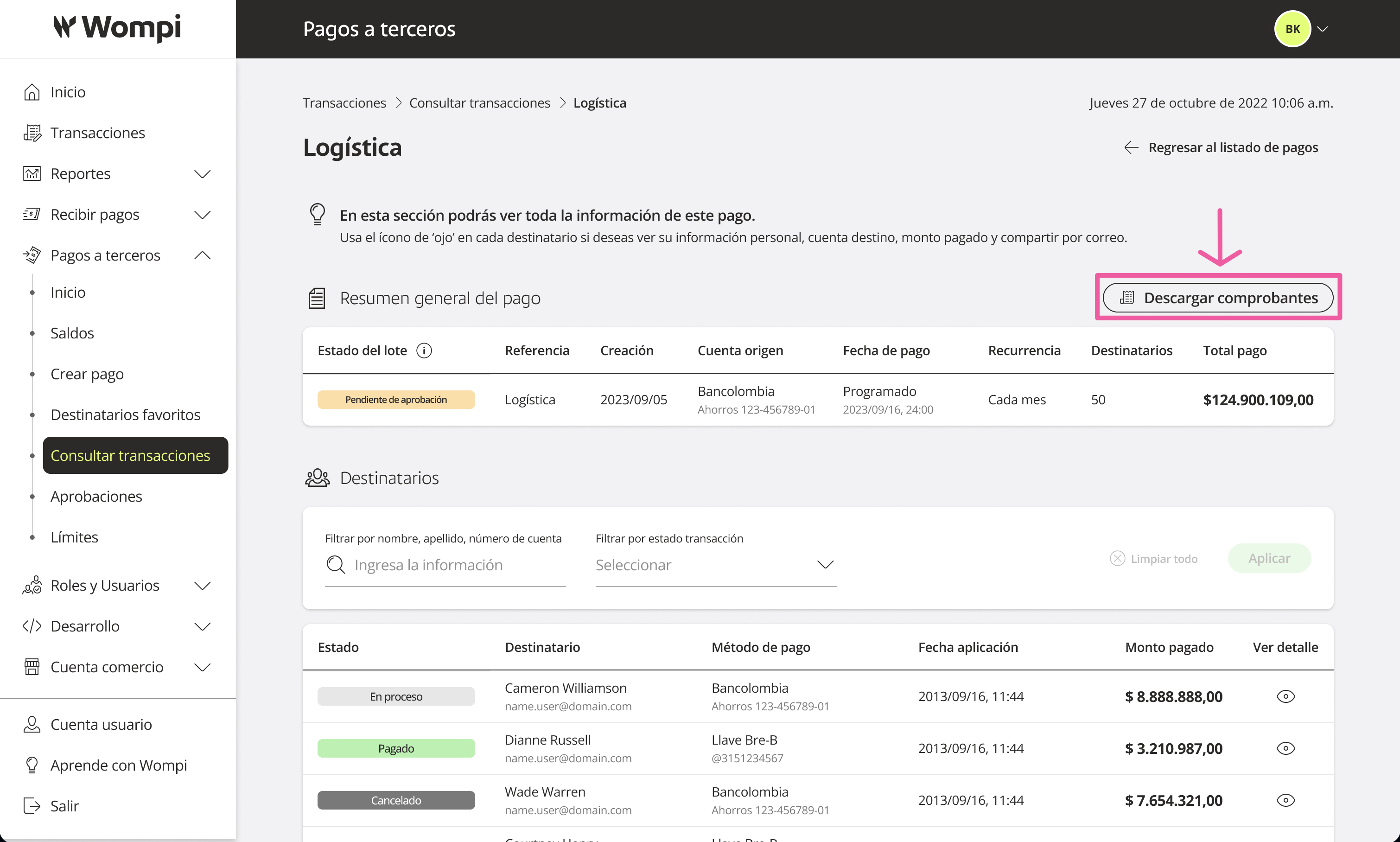
You can download the transaction receipt using the button: Download receipt.