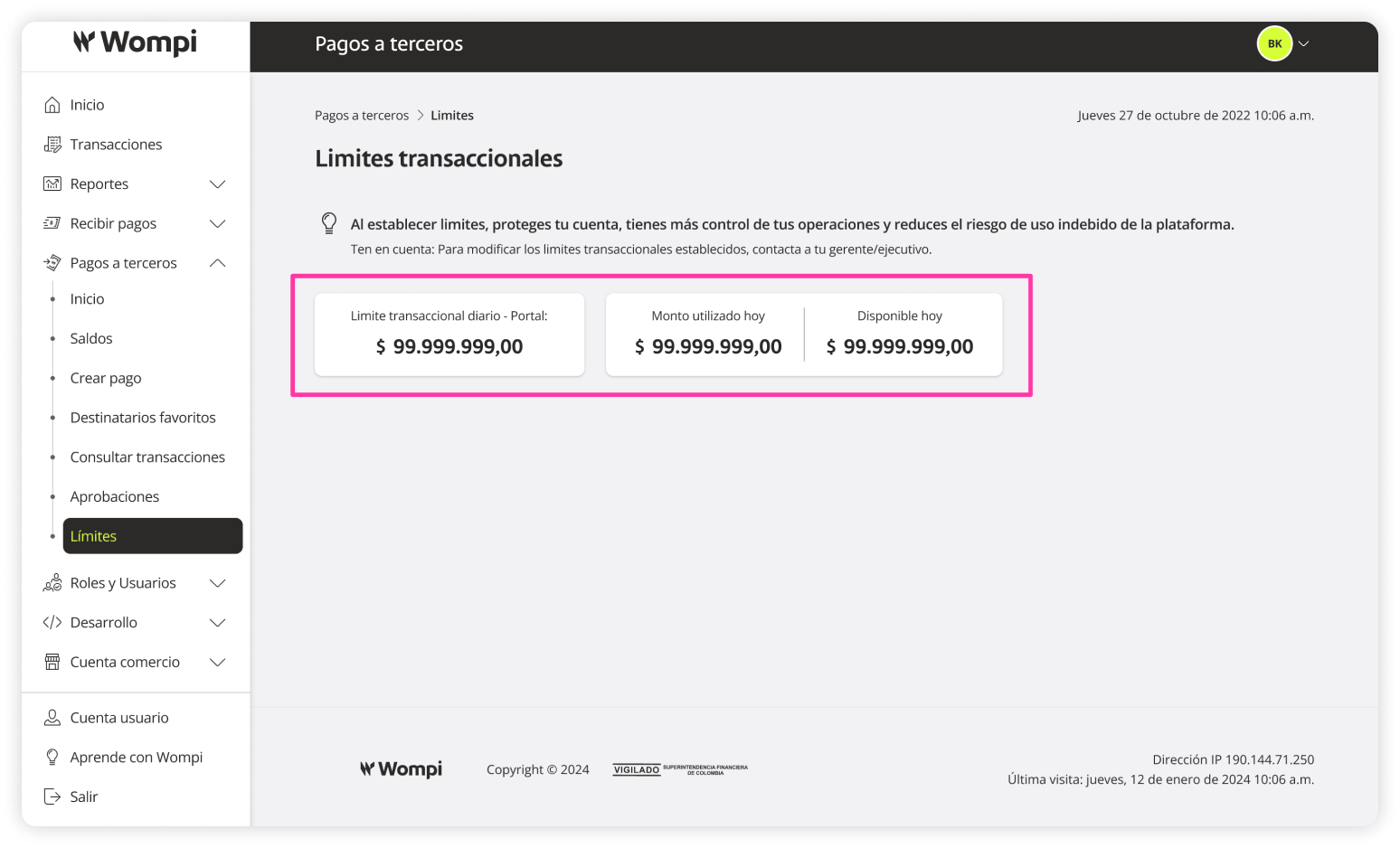
Transaction Limits
In this section, you can view the transaction limits set by your business.
Required Permissions
- You must have a SuperAdmin role or a role with permissions to view transactions.
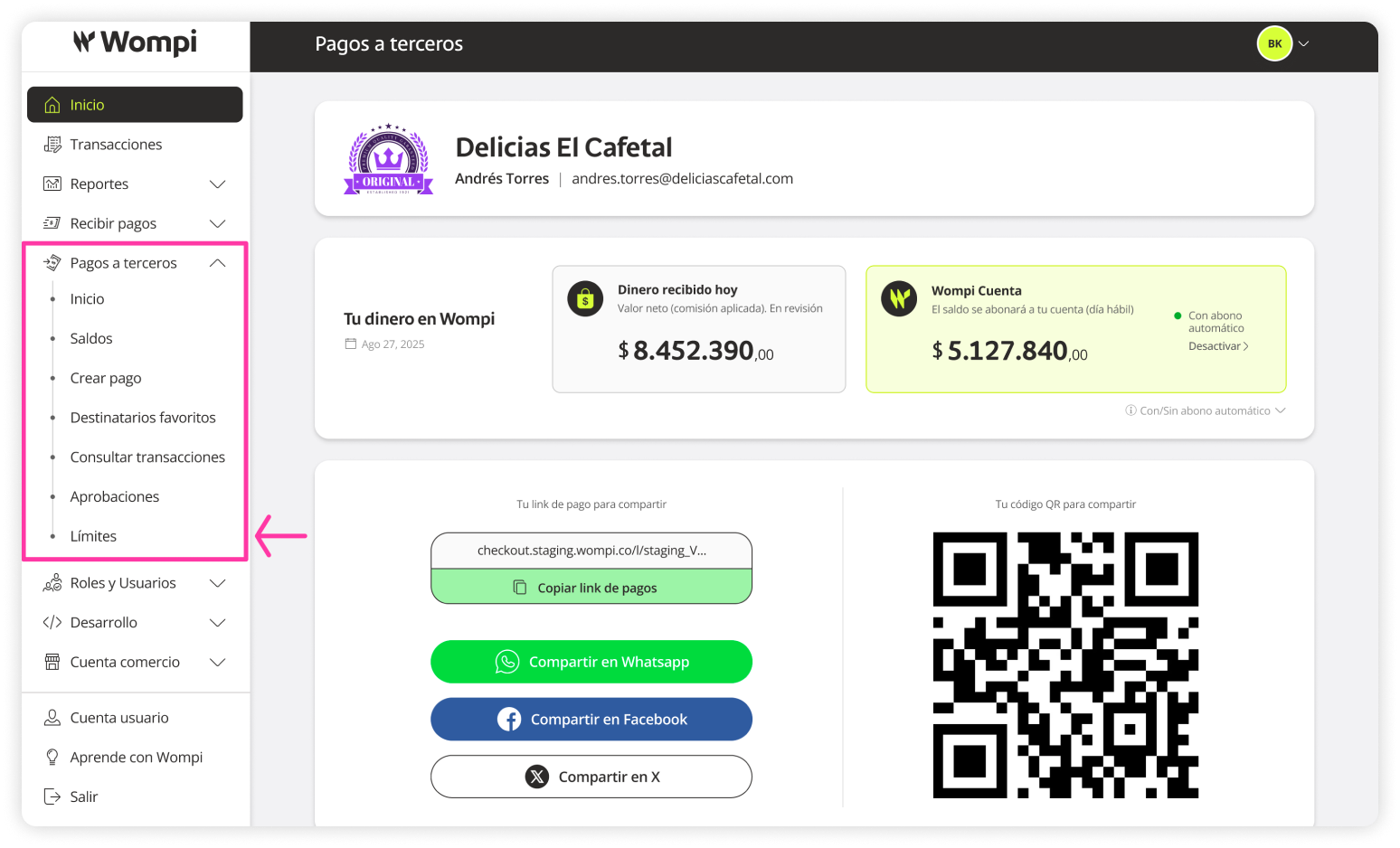
 Once inside the Wompi dashboard, expand the Payouts button in the left menu and select the Limits option.
 In the Limits section, you can view the transaction limits established:
- Daily transaction limit
- Amount used today
- Available daily amount
To modify the established transaction limits, please contact your business advisor or reach out to Wompi’s support channels.