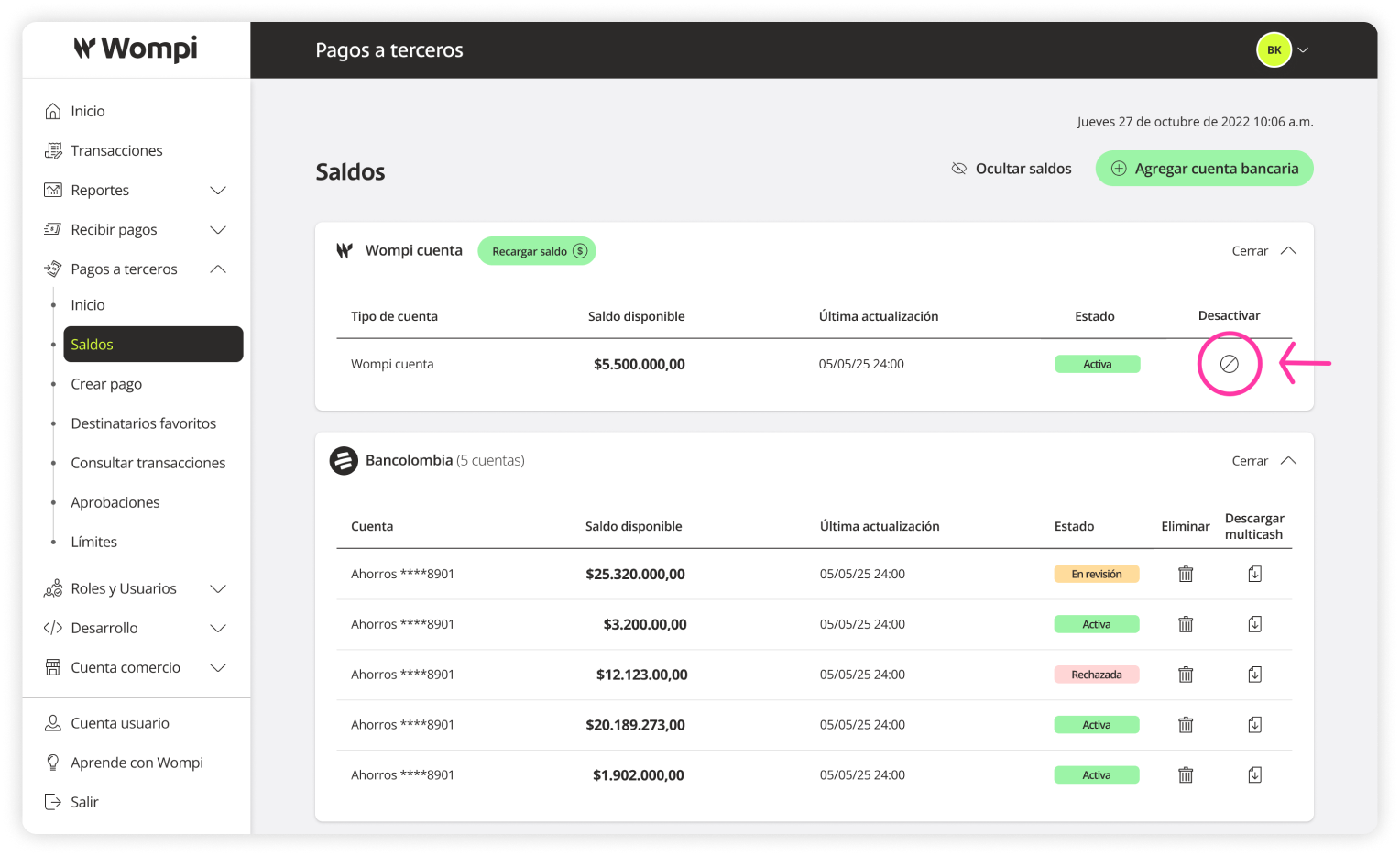
Bank accounts for payout
In the ‘Balances’ section, you can manage the bank accounts used for payouts. By default, you have the Wompi Account available, but you can also add accounts from Bancolombia, Banco de Occidente, and Banco de Bogotá.
Required permissions
- You must have the SuperAdmin role.
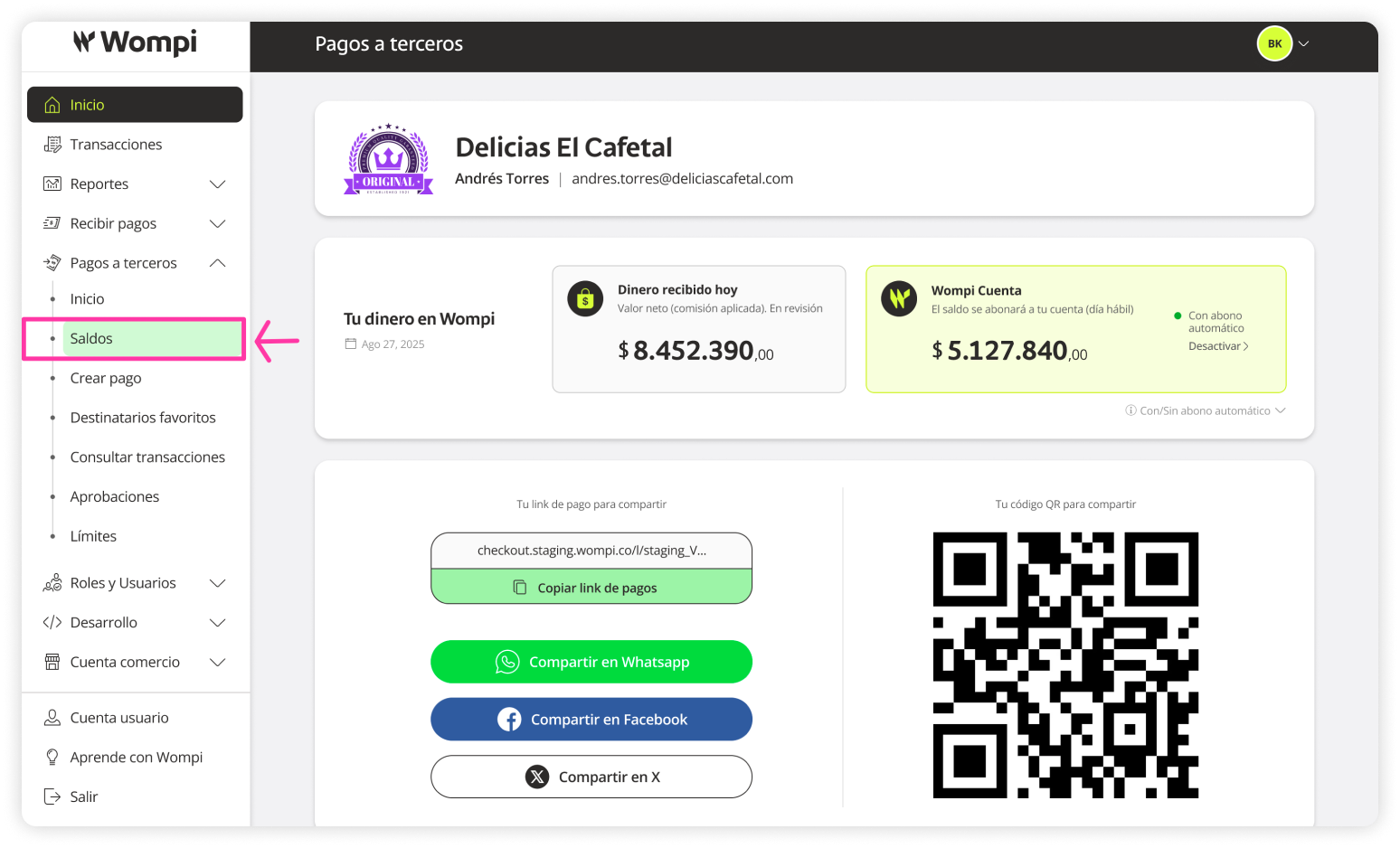
 Once you're inside the Wompi dashboard, expand the Payouts menu on the left-hand side and select the Balances option.
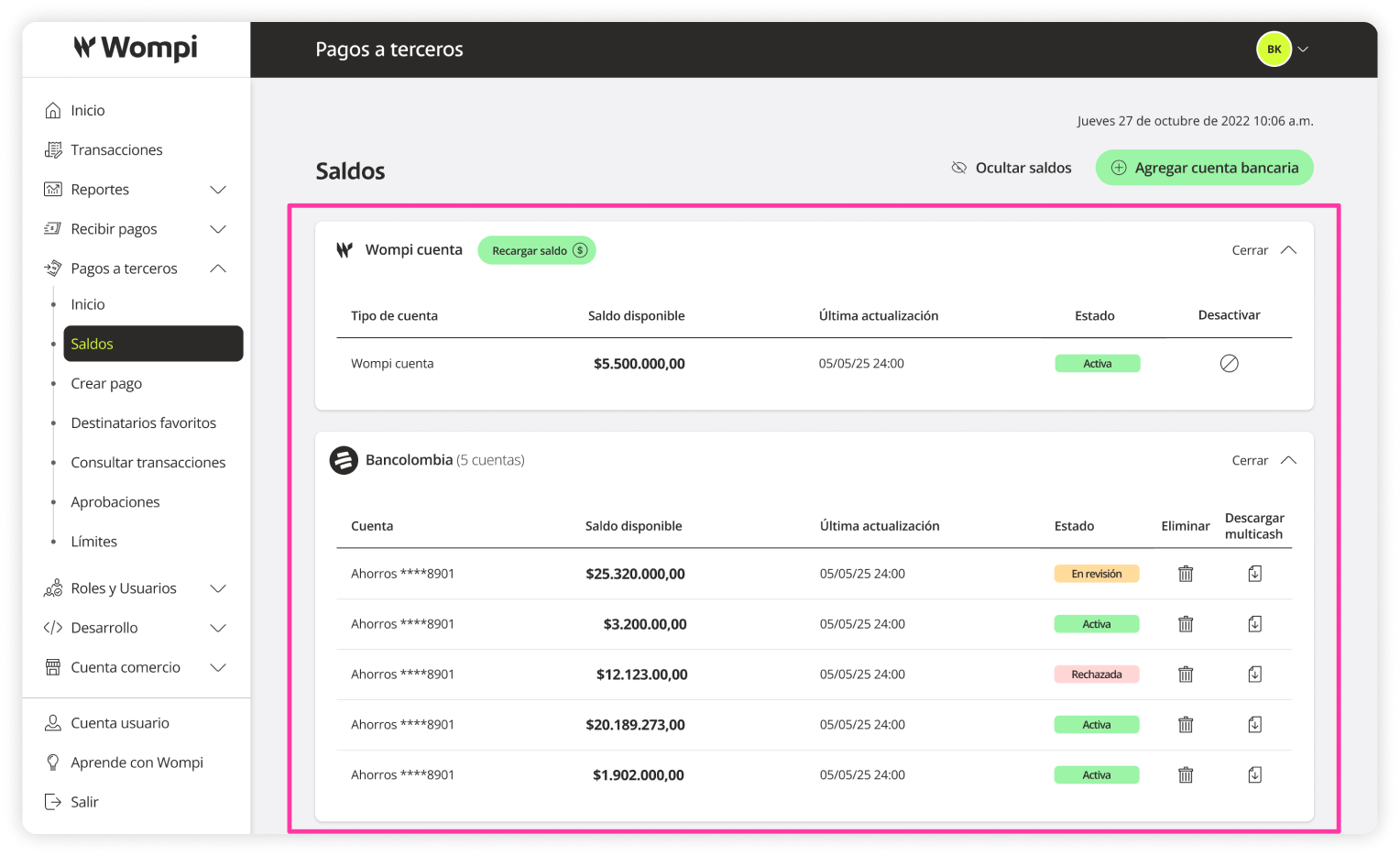
 In the Balances section, you’ll be able to see the different bank entities and their linked accounts for payouts.
Reminder: Wompi is a digital account that uses the balance from the 'Wompi Online Payments' product.
Deactivate the Wompi account
To ensure your account's security, any user modification will require two-factor authentication.
You have two options to delete a user:
In the Users section under Payouts, click the Actions column button and select Delete.